Listings management, built on the menus you already make.

You closed early.
Google spent the whole afternoon telling people you were open.

Our Listings app keeps your hours, holidays, address, phone number, and menus accurate across the major directories. Menus are linked directly from your original designs in MustHaveMenus. Update prices or items, publish the design, and we update all of the restaurant publishers automatically.
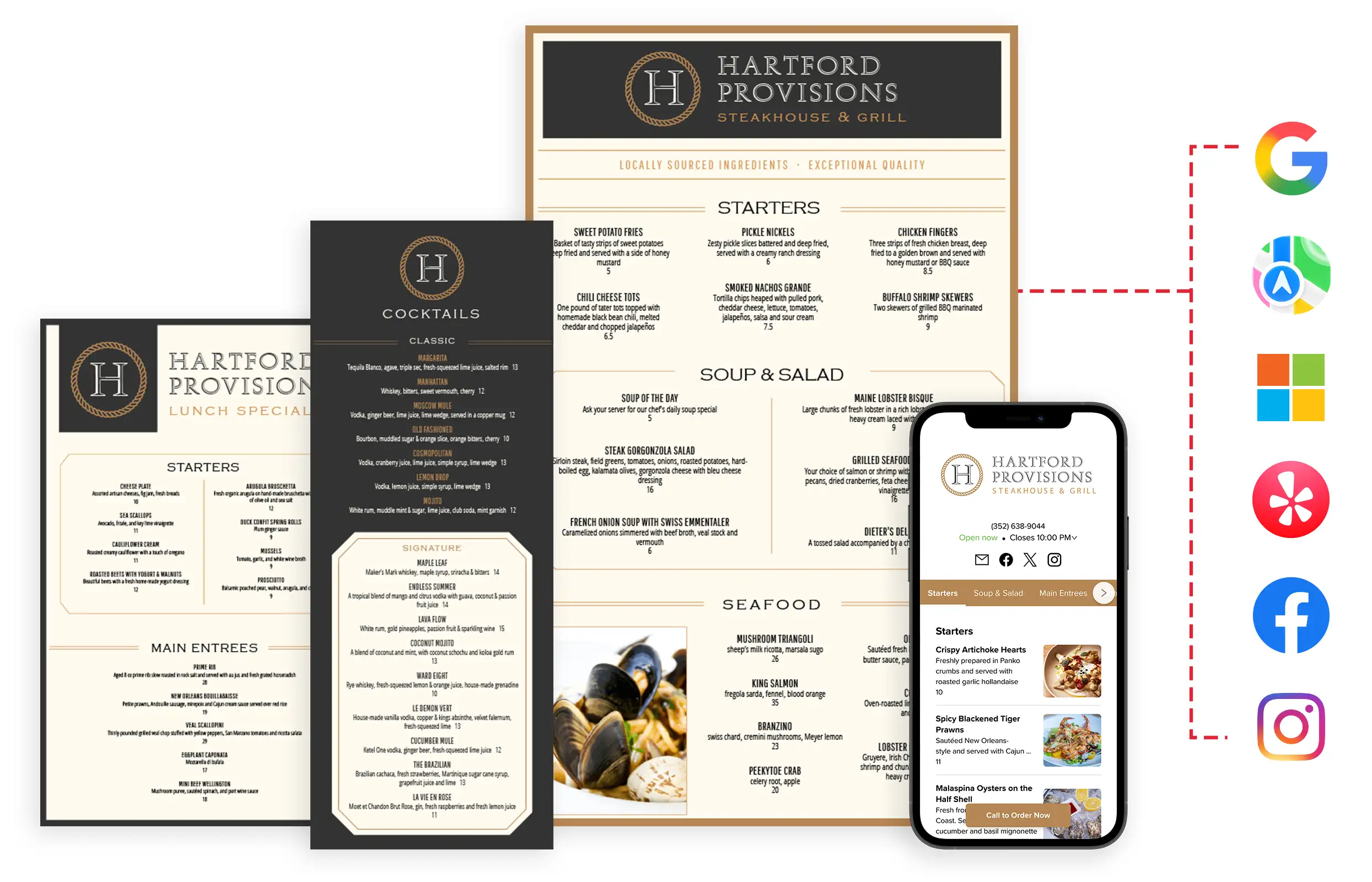

Restaurant menus displayed across print, tablet, and phone with publisher logos
Restaurant Listings Management, by the Numbers
1
Menu Design
Speed improvement with centralized menu workflow
5
Channels
Listings, Print, Signage, QR, Website
6
Critical Publishers
Google, Apple, Bing, Yelp, Facebook, Instagram, and over 50 more!
0
New Vendors

Where we publish

Our Listings app connects your information directly to the platforms diners search, plus the wider network of directories that syndicate from them.

Google Business ProfileGoogle Business Profile
Apple MapsApple Maps
YelpYelp
Microsoft Bing PlacesMicrosoft Bing Places
FacebookFacebook
InstagramInstagram
TripadvisorTripadvisor
Uber EatsUber Eats
DoorDashDoorDash
WazeWaze
and more...

Want to see what your listings say right now?

Book an Intro

What Listings manages

Detail What we do
Business name One canonical version everywhere
Address and phone Changed in one place, formatted per publisher
Regular hours Kept current across every directory
Holiday hours Scheduled ahead, with a reminder before each one
Business categories Set once, kept in sync
Website and menu links Pointed at your live pages
Logo and photos Pulled from your Brand Kit and menu library

Print. Web. QR. Signage. Now listings.

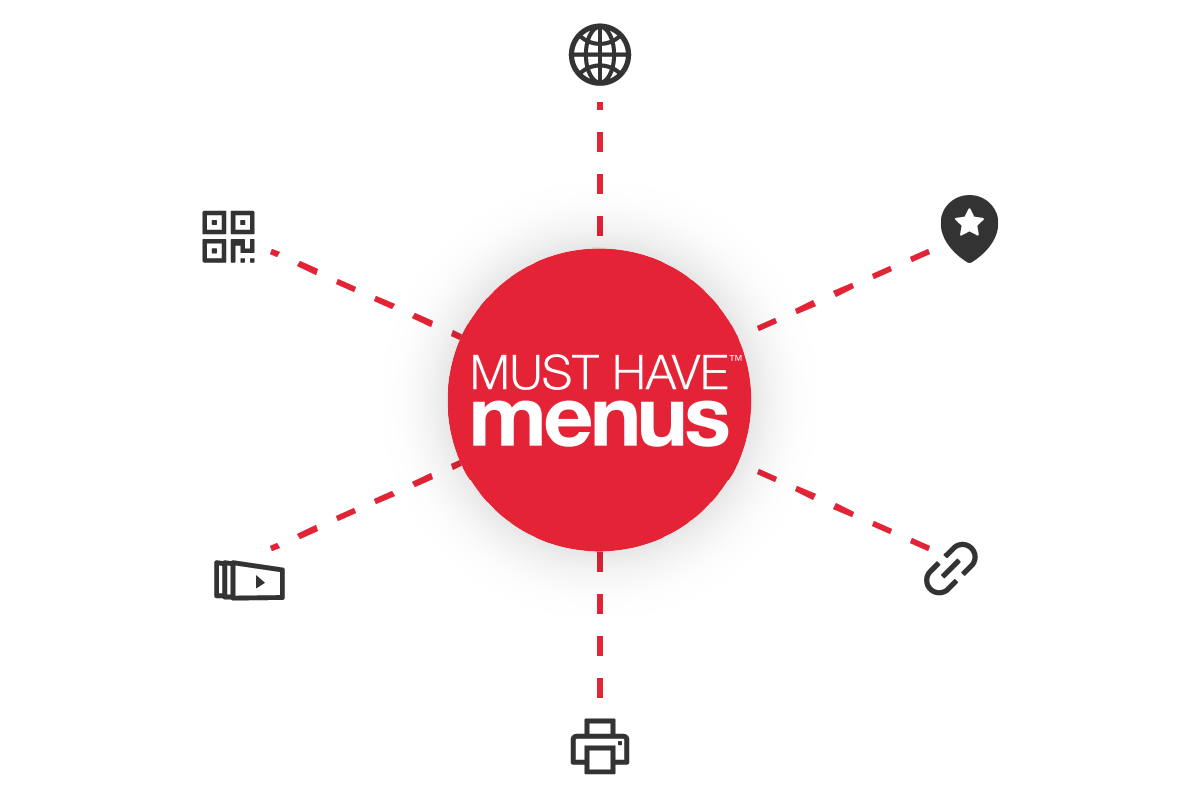
MustHaveMenus at the center of print, web, QR, signage, and listings channels

Listings is one more channel publishing from the MustHaveMenus account you already use, reading the same menus and brand assets. Your listings point at your live menu, so repricing a section or dropping a special needs no republishing anywhere.

  • check One place to update, instead of one login per directory.
  • check No second vendor, no second bill, and no second copy of your menu to keep in sync.
  • check Your designed menu is the one diners find, not a version somebody retyped into a dashboard.

Built for Enterprise

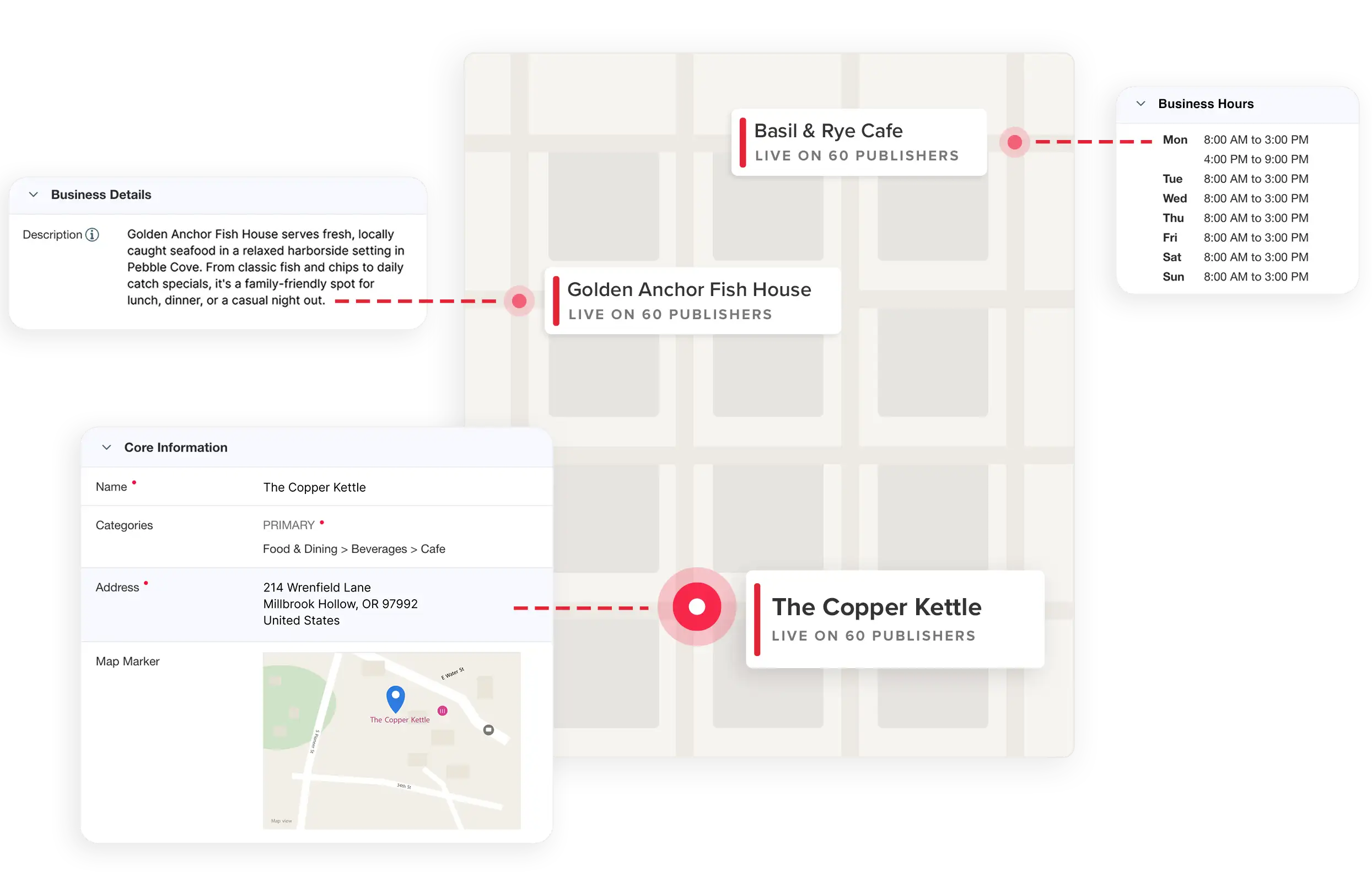
Each location (or concept) gets its own record and its own directory footprint, so an enterprise can manage many locations at once.

Managing more than one location?

Book an Intro
Enterprise dashboard managing many restaurant locations across a map

See what your listings say about you right now

A short intro call, no obligation. We will show you where your restaurant's information disagrees with itself across directories, and what moving it into MustHaveMenus would look like.

Book an Intro